
Is Your Aadhaar Card Genuine? Here’s How to Verify It Instantly
In the last few months, there have been several reports of an upsurge in the circulation of duplicate Aadhaar cards used for fraud and identity theft.
- Republic Business
- 3 min read

;'%3e%3cpath%20d='m8,15.99c4.41,0,7.99-3.58,7.99-7.99S12.41,0,8,0,0,3.59,0,8s3.58,7.99,7.99,7.99Z'%20style='stroke:%23fff;%20stroke-miterlimit:10;%20stroke-width:.02px;'/%3e%3cpath%20d='m3.08,3.37l3.82,5.11-3.84,4.15h.87l3.37-3.64,2.72,3.64h2.94l-4.04-5.39,3.58-3.87h-.86l-3.1,3.35-2.5-3.35h-2.94Zm1.27.64h1.35l5.97,7.99h-1.35l-5.97-7.99Z'%20style='fill:%23fff;'/%3e%3c/g%3e%3c/svg%3e)


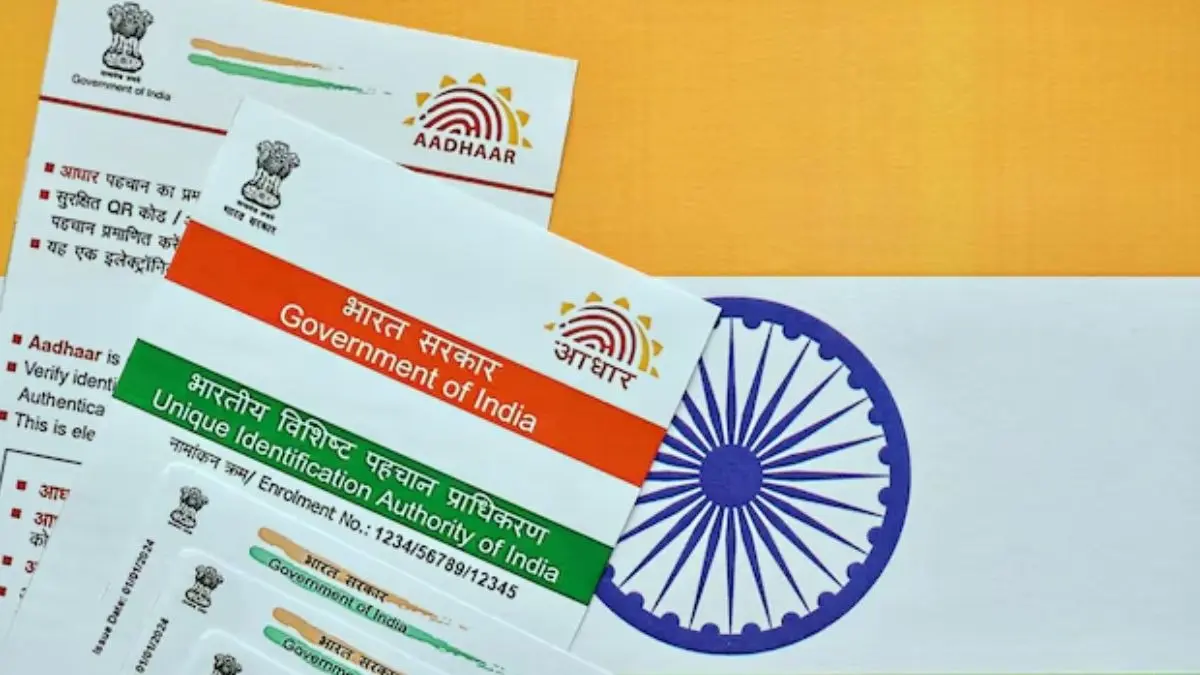
In the last few months, there have been several reports of an upsurge in the circulation of duplicate Aadhaar cards used for fraud and identity theft.
Aadhaar has now become an accepted method of identification, whether it is for a job, government paperwork, or opening a bank account.
This is the reason why fraudsters have started circulating forged copies of the same and the Unique Identification Authority of India (UIDAI) is now urging people to verify whether any Aadhaar card they encounter or are shown is genuine.
Cases Of Fake Aadhaar
Many people across the nation have already brought forwards cases of Aadhaar cards with strange fonts, incorrect QR codes, or invalid numbers being utilized to file false claims on benefit or verification of identity. While responding to that, the UIDAI has issued a public notice and has reminded people that there is also a quick and easy way of verifying whether any Aadhaar card is valid.
Advertisement
Authentic Or Fake?
As per the UIDAI, the simplest way of verifying whether or not your Aadhaar card is genuine, is to scan the QR code on the card. Ay legitimate Aadhaar card, be it physical or downloaded, carries a QR code which contains encrypted information such as the name of the person, photograph, and date of birth.
When this is scanned through the official UIDAI app, the details must match exactly with the printed details on the card.
Advertisement
This can be done by either downloading the "mAadhaar" app or by using the Aadhaar QR code scanner tool available on the official website of UIDAI. When the QR code is scanned, it will show you the cardholder's details and you can then verify if it matches or not.
If the QR code does not match with the data displayed, then it is a warning sign.
The authority has also advised that the usage should not be made of Aadhaar cards received by way of image or PDF through messaging apps or emails unless authenticated.
This enables impersonators to tamper with electronic files in a way that they can yield altered versions which look original at the first glance.
How To Verify Aadhaar?
- Here's a step-by-step guide:
- Visit the UIDAI website: Go to the official UIDAI website.
- Navigate to Aadhaar Services: Find and click on the "Aadhaar Services" section.
- Select Verify Aadhaar Number: Choose the "Verify Aadhaar number" option.
- Enter Aadhaar Details: Input your 12-digit Aadhaar number and the security code displayed on the screen.
- Verify: Click on the "Verify" button to check the validity of your Aadhaar number.