
ICSE Class 10 Results 2022 to be declared tomorrow: Where and how to check ICSE scorecard
ICSE Class 10 Result 2022: The ICSE has announced that the ICSE Class 10 Result 2022 will be released on July 17 at 5 pm. Here's how to check
- Education News
- 2 min read

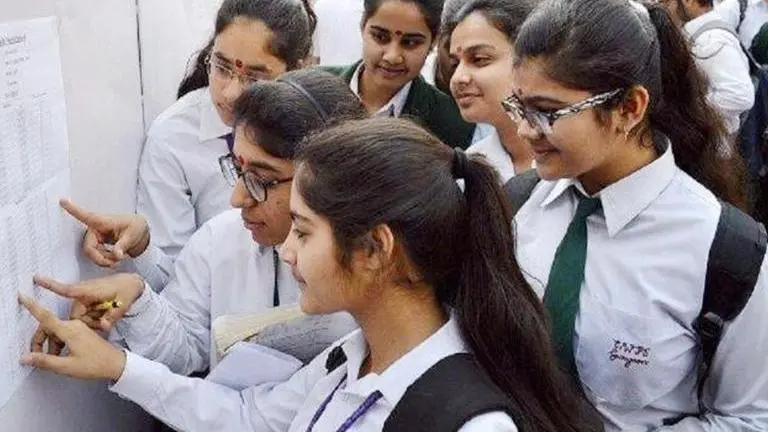
ICSE Class 10 Result 2022: The CISCE has announced that the ICSE Class 10 Result 2022 will be released on July 17 at 5 pm. According to board secretary Gerry Arathoon, the result will be announced with both the first and second semesters given equal weightage to arrive at the final score. Candidates must take note that they can download their results by using the principal's login ID and password. All those candidates who have not appeared for either semester 1 or semester 2 examinations will be marked absent, and their results will not be declared, he said.
According to the official notice, "The results of the ICSE (Class 10), 2022 examination will be declared on Sunday, July 17 at 5:00 PM." The results will be made available on the CAREERS portal of the CISCE, on the website, and through SMS. "
"For the computation of the ICSE examination results, equal weightage has been given to both the Semester 1 and Semester 2 examinations. The marks of Semester 1, Semester 2, and the Project (Internal Assessment) have been added to arrive at the final marks in each of the subjects and papers, "he added.
ICSE Class 10 Result 2022: Where to check ICSE Result 2022
- When the ICSE Class 10 results are available on the official website, candidates can access them through the CISCE's CAREERS Portal.
- Or on the official website of CISCE
- Or through SMS
CISCE ICSE Result 2022: Here's how to check results
- Step 1: To check the ICSE Class 10 Result candidates need to visit the CAREERS Portal on CISCE official website -cisce.org
- Step 2: Then, on the Menu Bar, click on "ICSE" for accessing the ICSE Year 2022 Exam Results
- Step 3: Candidates then need to click on the "Reports" option
- Step 4: Click on "Result Tabulation" to view /Print the School's Result Tabulation
- Step 5: Click on the "Comparison Table" to view the result
Here's how to check CISCE ICSE Result 2022 through SMS
- To check results through SMS candidates need to type their Unique ID in this way: ICSE1234567 (Seven Digit Unique ID) and then send the message to 09248082883. The result will appear on the screen.
More details
- In case, candidates face any difficulty they can contact CISE Helpdesk at helpdesk@cise.org or call at 1800-203-2414