
Complete Guide on How to Link Aadhaar Card with Ration Card | Details Inside
Link Aadhaar with your ration card online or offline by September 30, 2024, to ensure transparency and proper subsidy distribution.
- Utility News
- 3 min read

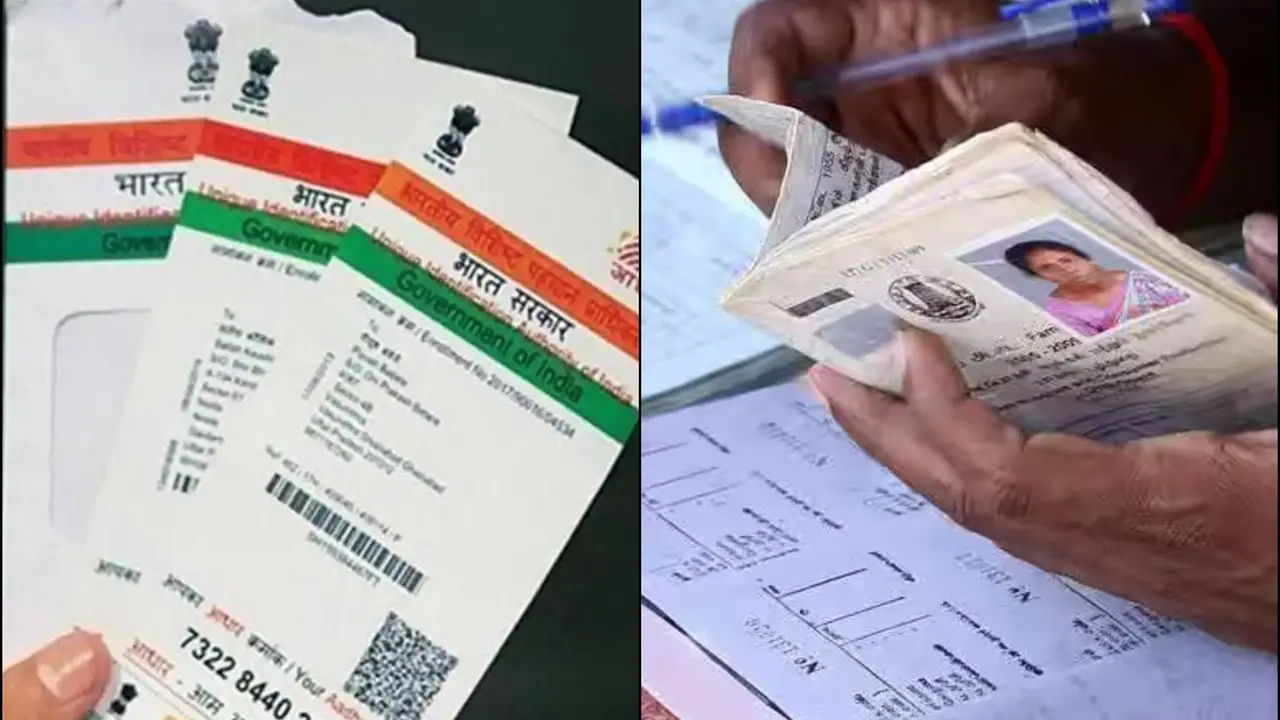
The Indian government has mandated the linking of Aadhaar with ration cards to streamline the Public Distribution System (PDS) and ensure that subsidies reach the intended beneficiaries. This initiative aims to eliminate duplicate and bogus ration cards, promoting transparency and accountability within the system.
Aadhaar-Ration Card Linking Deadline
The deadline for Aadhaar-Ration Card linking, has been extended to September 30, 2024 which was initially set for June 30, 2024. This extension provides additional time for citizens to complete the process.
Step-by-Step Guide on How to Link Aadhaar with Ration Card Online:
The process of linking your Aadhaar with your ration card online is a straightforward process and it can be easily done by sitting at your home. Follow this detailed step-by-step guide:
1. Visit the Official PDS Website: Go to the PDS website of your state or the official Aadhaar seeding website.
Advertisement
2. Log In: Now login with your credentials.
3. Aadhaar Linking Section: Check out the option to link Aadhaar with the ration card.
Advertisement
4. Enter Your Details: First fill your ration card number, Aadhaar number, and other details that are asked.
5. Submit and Verify: Check all the details and submit. After submitting an OTP (One-Time Password) will be sent to your registered mobile number. Enter the OTP to complete the process.
How to Link Ration Card with Aadhaar: Offline Method
For those who prefer or need to link their Aadhaar with their ration card offline, follow these steps:
1. Visit the Nearest Ration Shop: Go to your PDS center or the local fair price shop with the required documents.
2. Submit Documents: Fill out the application form, attach the photocopies of all the documents, and submit it to the shopkeeper or PDS official.
3. Biometric Authentication: The official may ask for biometric authentication (fingerprint scanning). It can be done to verify the Aadhar Card details.
4. Receive Confirmation: After completing the process, you will receive a confirmation message on your registered number.
How to Check Aadhaar-Ration Card Linking Status?
Follow these steps to check the status of your Aadhaar-Ration Card linkage online:
1. Official PDS Website: Go to your state's PDS (Public Distribution System) website. Each state has its own PDS portal, which can be easily found via a quick search online.
2. Aadhaar Linking Status Section: Look for an option like "Check Aadhaar Status" or "Aadhaar Seeding Status" on the homepage or in the navigation menu.
3. Enter Required Details: You will need to enter your ration card number, Aadhaar number, or other identification details.
4. Submit and View Status: After entering the details, submit the form. The status of your Aadhaar-Ration Card linkage will be displayed on the screen. It will show whether your Aadhaar is linked to your ration card or if there are any issues that need to be resolved.
By following these steps, citizens can ensure that their Aadhaar and ration cards are linked correctly, facilitating better access to government subsidies and benefits.