
Updated 9 August 2024 at 11:31 IST
Har Ghar Tiranga 2024: Here's How To Register And Download Your E-Certificate
Celebrate India's 78th Independence Day with the 'Har Ghar Tiranga' campaign. Register on the official website and download your certificate.
- Utility News
- 2 min read

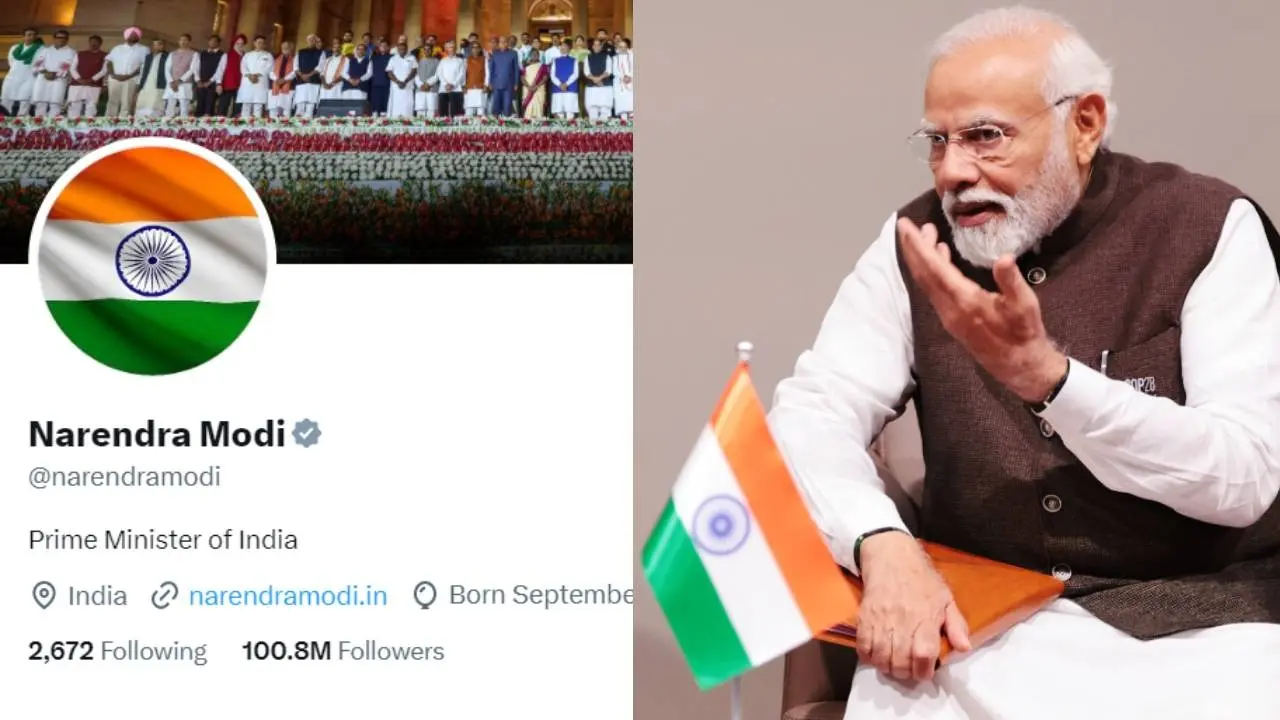
Independence Day 2024: India is all set to celebrate 78 years of independence on 15, August 2024. To mark the day, Prime Minister Narendra Modi has kicked off the 'Har Ghar Tiranga' campaign from August 9 to August 15.
Taking the campaign forward, Prime Minister Narendra Modi asked people to make the campaign a mass movement. Meanwhile, PM Modi also replaced his profile picture with the national flag and urged them to do the same.
Har Ghar Tiranga Campaign: How To Register Yourself And Download Certificate?
Anyone can be a part of this campaign and register themselves on the official website harghartiranga.com.
Step 1: Visit the official website-- harghartiranga .com.
Advertisement
Step 2: Tap on the 'Register' button
Step 3: You now need to enter your name, email address, and mobile number.
Advertisement
Step 4: Tap the 'Submit' button.
Step 5: You will then receive a verification code on your registered mobile number.
Step 6: Enter the verification code and click on the 'Verify' button.
Step 7: You will be then registered for the campaign.
Step 8: Once you are registered, you can download your certificate of participation by clicking on the 'Download Certificate' button.
People are encouraged to join the "Har Ghar Tiranga" campaign by displaying the Indian flag at their homes and other places leading up to Independence Day on August 15.
Published By : Navya Dubey
Published On: 9 August 2024 at 11:31 IST