
How to check passport appointment date and time? Here is a step-by-step guide
How to check passport appointment date and time? The first step is to log in with your credentials on the official Passport Seva website. Read on.
- Lifestyle News
- 2 min read

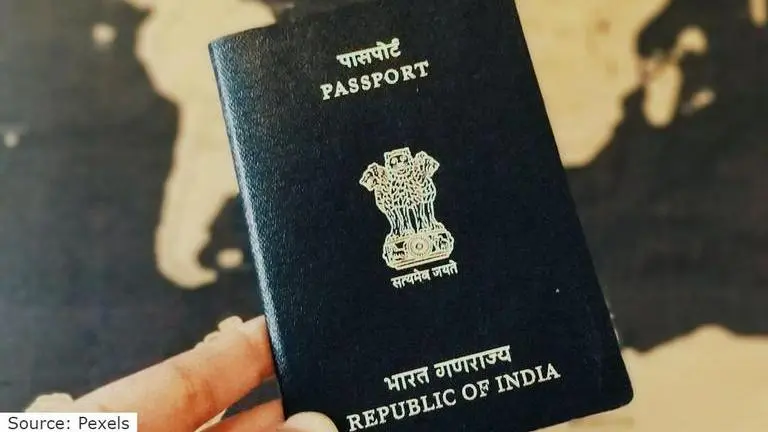
A passport is a required document for anyone who wishes to travel outside of the country. It is an official document issued by a government to its people that allows them to travel outside of their home country while remaining protected by the government. It is now possible to apply for passport online, but how to check the date and time of passport appointment? Continue reading the article to find out.
How to Check Passport Appointment Date and Time?
Applicants may now apply for their driver's licence, passport, voter ID, and other essential documents online without having to be physically present at the premises just to apply. Those who need to apply for a passport online can do so via the Ministry of External Affairs' Passport Seva website. Following the implementation of mandatory biometrics for applicants, you will be required to visit a Passport Seva Kendra (PSK) or a Post Office Passport Seva Kendra (POPSK) for this procedure.
- The first step is to log in with your credentials on the official Passport Seva website, then go to the ‘View Saved/Submitted Applications' tab and select the ‘Schedule Appointment' option.
- Here you will be able to see the current passport appointment date and time which you have had scheduled previously.
- Choose the appropriate choice from the two options available: ‘Reschedule Appointment' if you want to change the date/time, or ‘Cancel Appointment' if you want to cancel the appointment. You'll need to go to the Passport Seva Kendra's official website and log in with your credentials.
- The next step is to click on the tab labelled "View Saved/Submitted Applications" and then select "Schedule Appointment" from the drop-down menu. You'll see two choices on the next page: 'Reschedule Appointment' and 'Cancel Appointment.'
- Individuals do not need to cancel their appointments in order to reschedule them. Please notice that you can only cancel or reschedule your appointment twice a year from the date of your passport submission, according to MEA guidelines. After you choose either choice, a pop-up will appear with the number of cancellation/rescheduling attempts still open to you.
- If you want to reschedule, choose a new time slot from the list and confirm your appointment by clicking ‘Book Appointment.' You'll be directed to a page with the updated appointment details. Print the ‘Application Receipt' and bring it with you to your appointment.