
Apple releases iOS 16 Beta 4; Here are all the new features
The fourth beta version of iOS 16 comes with a bunch of changes. Apple has added support for Live Notifications and made some changes to the unsend feature.
- Tech News
- 2 min read

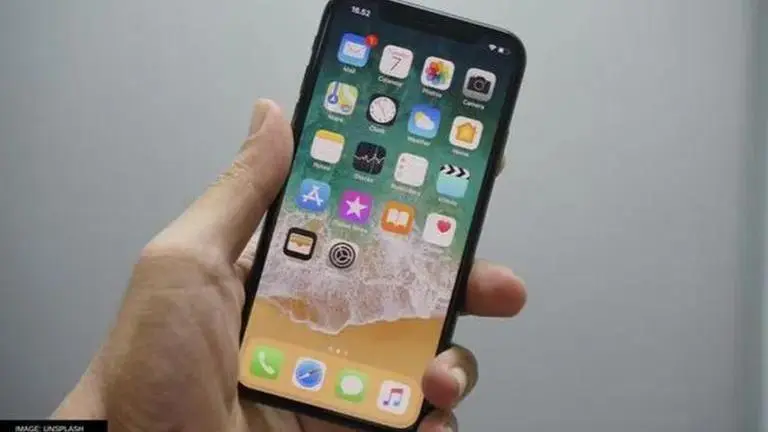
Apple has released the iOS 16 beta 4 for developers and participants of the beta program. The update comes after iOS 16 beta 3 which was released recently. It adds more features to supported iPhones, including Live Notifications. Read more about the new iOS 16 beta 4 features here.
New features in the Apple iOS 16 beta 4
The fourth beta version of iOS 16 comes with a bunch of changes. For instance, the time limit to delete messages was set to 15 minutes in the previous beta version. With the latest beta version, it has been set at two minutes. Additionally, all the edits will now be visible to the receiver and the sender will be able to make up to five edits. A similar change now enables users to customise the time for unsending a mail on the Apple Mail app.
Another major change that is expected to come with iOS 16 is a redesigned Apple CarPlay interface. However, the latest beta version only contains new wallpapers. The Live Activities feature is also a part of the update and it enables users to view live notifications directly from their lock screen. Apple has also changed the Now Playing widget on the lock screen and it looks better than before.
Last but not least, the update improves Continuity Camera integrated with macOS Venture and adds a button for the Desk View feature. While these features are available to developers and beta testers, regular iPhone users have to wait until the company releases iOS 16 publicly, which should not take long as the new versions of iOS accompany the new iPhones.
Advertisement
In related news, Apple has released iOS 15.6 and iPadOS 15.6 for iPhone and iPad users. Along with these, the Cupertino-based tech giant has also released macOS 12.5,watchOS 8.7 and tvOS 15.6. Although these updates do not come with major changes, they contain a couple of bug fixes for all the platforms. Those who wish to download the latest version of iOS and iPadOS can head over to the Settings section, tap on General and select Software Update.