
How to turn off Google Assistant on your phone? Here is a step-by-step guide
How to turn off Google Assistant on your phone? Google Assistant while useful can become distracting and intrusive. Here is the process to turn off Assistant.
- Tech News
- 3 min read

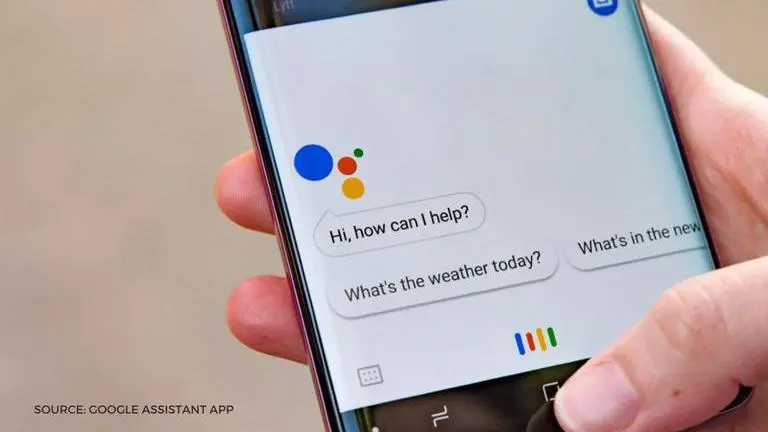
Google's inbuilt Assistant that comes installed with most Android phones has become an integral part of most Android users' everyday functions. Google Assistant has a ton of useful functions and you can use the assistant to do a number of things without ever touching your phone. However, some people may wish to turn off Google Assistant. We have compiled a step-by-step process to turn off Google assistant for your convenience.
About Google Assistant
The touch-free voice-activated Google Assistant can play songs for you, make calls, book tickets, show weather, set alarms/reminders and even schedule your calendar. Most people use it in their everyday lives to look at the news, check the weather, and get regular updates. You can even ask the Assistant to look for recipes, questions, videos or podcasts and the assistant always accurately delivers.
However, Google Assistant can also sometimes be a little intrusive. It constantly shows users notifications, constantly tracks your activities and pops up whenever users are doing something on their smartphones. If you want to stop Google assistant from popping up, you will have to completely turn the service off.
How to turn off Google Assistant?
Turning off Google Assistant is quite easy. However, the right options to find the Assistant Settings are buried deep in the Android Settings. Here are the step-by-step instructions you can follow to turn off your Google Assistant. You can refer to screenshots below that correspond with the steps given below.
Advertisement
- Unlock your device and locate the Google App on your device. Open the Google App.
- Tap on the 'More' button at the bottom right corner of the app.
- In the menu that opens up, click on the 'Settings' option
- Inside 'Settings' you will find the option to click on 'Google Assistant'.
- When you click on Google Assistant, you will find a multitude of options.
- All you have to do is click on the 'General' button which manages your Google Assistant settings.
- Once you are on the General Settings page, simply toggle off the option of Google Assistant. Refer to the image to see the toggle option.


However, if you ever wish to activate the Assistant again in the future you can do that as well. You will have to follow the exact same steps until you reach the General Settings page of Google Assistant. Once you are there, you can just turn on the Google Assistant toggle and your Assistant will be functional again. Stay tuned for more tips on Android and tech.