
Updated 14 April 2021 at 18:18 IST
How to apply for passport? Learn step by step instructions in this guide
How to apply for passport? Learn step by step instructions on how to apply for passport, steps to apply passport through online in India and more

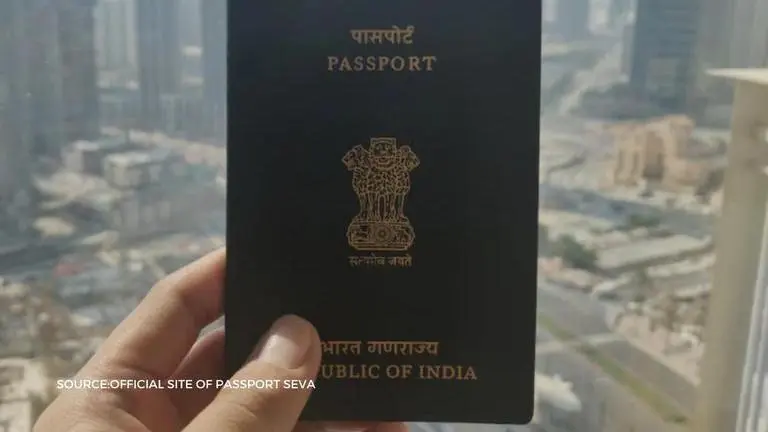
There is no doubt that a passport is an essential document for travelling abroad for studies, tourism, pilgrimage, medical attendance, business purposes and family visits. To put it in simple words, if you want to cross the Indian border and go to another country for whatever purpose, you must have a passport with you. The ministry of external affairs along with the government of India has launched the Passport Seva service for its citizens and other individuals outside of the Indian border to get a passport online. If you are living in India, then you have the additional option of getting your passport offline as well. In this post, we are going to have a closer look at how to apply for passport, what are the steps to apply for passport in India and more.
How to apply for passport?
Passport Seva enables simple, efficient, and transparent processes for the delivery of your passport and passport related services. Apart from creating a countrywide networked environment for government staff and offices throughout India, it integrates with the state police for physical verification of applicant’s credentials and with India Post for delivery of your passport. All Indian citizens who depart or intend to depart from India or an individual from another country who wants to come in and leave India is required to be in possession of a valid passport or travel document. Under the passports act 1967, the government of India may issue different types of passports and travel documents such as ordinary passport, diplomatic passport, official Passport, emergency certificate and certificate of identity for the purpose. The last two documents can be obtained for strictly emergency purposes. In the next section, we will look at the steps to apply for passport online in India.
Steps to apply for passport online in India
- Register through the passport Seva online portal.
- Login to the passport Seva online portal with the registered login Id.
- Click Apply for Fresh passport/Re-issue of passport link.
- Fill in the required details in the form and submit.
- Click the Pay and Schedule Appointment link on the View Saved/Submitted Applications screen to schedule an appointment. Online Payment has been made mandatory for booking appointments at all Passport Seva Kendras/Passport Offices. Online Payment can be made using any one of the modes namely Credit/Debit Card, Internet Banking, and Associate Banks and Other Banks.
- Click the Print Application Receipt link to print the application receipt containing the Application Reference Number/Appointment Number. An SMS with your appointment details is also accepted as proof of appointment during your visit to passport Office.
- Visit the passport Seva Kendra or the Regional passport Office where the appointment has been booked, along with original documents.
How to apply for passport online?
Image source: official site of passport Seva
Published By : Haridas S
Published On: 14 April 2021 at 18:17 IST