
Why is Psych not working? Use these hacks to make it work again
why is Psych not working and keeps crashing? If you are facing this similar problem, then read more to find out some easy hacks to tackle this crashing problem.
- Tech News
- 3 min read

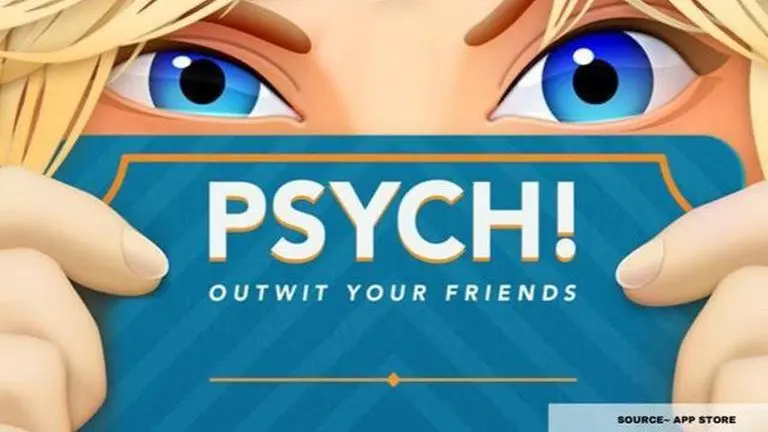
Psych is amongst the most favourite games of many mobile users across the globe. The game offers puzzles and riddles with incredible questions that are tricky for many people. However, many players often complain about the Psych game crashing. There are many reasons why Psych is not working.
Why is Pysch not working?

Source: App Store
One of the main reasons why your Psych app keeps crashing could be that you have not updated the app for a while. Many times not having the latest update of a game installed can cause issues while logging in and also while using the app.
The other reason could be that the smartphone device that you are using is too hot or has memory problems. The apps can also crash involuntarily because of memory problems or if the phone's system is unable to perform well.
Another major reason why the Psych is not working could be that the game's new update may have some bugs which can only be fixed by the app developers of the gaming software.
Advertisement
Is your Psych app not working? Here's what to do
Close and Re-Open the App
Sometimes playing for a long time may cause a problem with the game. But, you can simply just close the app to avoid the error and reopen to play it again. For closing it completely, you must remove it from the working tabs on your smartphone as well.
Advertisement
Restart Your Phone
If Psych is still not working even after doing the previous method, just restart your phone. Sometimes a game crashes because the phone is heated or there are a lot of working apps. To restart, long-press the Screen Lock button on the side of your phone and choose 'Restart.' As soon the phone starts, check if the Psych error persists.
Reinstall the App
Reinstalling the games that are not working can stop the crashing problem completely. Reinstalling Psych will also help you to download the latest version of the game. First, uninstall the game from your Android or iOS smartphone and then go to the App Store or Play Store to install the app. After installing, check if the game is working properly or not.