
Gmail Adds ‘Manage Subscriptions’ Tool to Help You Unsubscribe from Annoying Emails Easily
Declutter your inbox: Gmail introduces a new one-tap unsubscribe feature to simplify email management and reduce inbox clutter from newsletters and promotions in 2025.
- Tech News
- 2 min read

;'%3e%3cpath%20d='m8,15.99c4.41,0,7.99-3.58,7.99-7.99S12.41,0,8,0,0,3.59,0,8s3.58,7.99,7.99,7.99Z'%20style='stroke:%23fff;%20stroke-miterlimit:10;%20stroke-width:.02px;'/%3e%3cpath%20d='m3.08,3.37l3.82,5.11-3.84,4.15h.87l3.37-3.64,2.72,3.64h2.94l-4.04-5.39,3.58-3.87h-.86l-3.1,3.35-2.5-3.35h-2.94Zm1.27.64h1.35l5.97,7.99h-1.35l-5.97-7.99Z'%20style='fill:%23fff;'/%3e%3c/g%3e%3c/svg%3e)


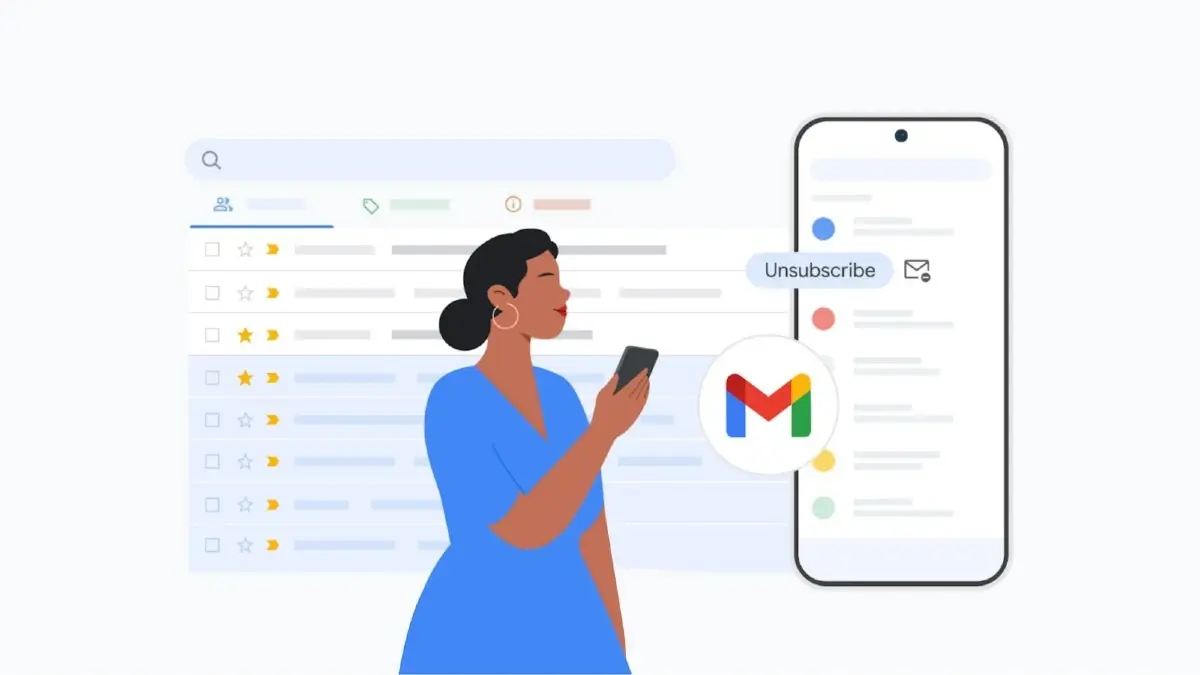
Gmail inbox looks at it best only when the mails are well-sorted, read and those required discarded. But these are rare scenes. If your inbox looks like a junk drawer full of spams, promotional emails and newsletters you never signed up for, Google just dropped a feature that might be exactly what you need. Gmail is rolling out a new Manage Subscriptions feature that lets you easily review and unsubscribe from marketing emails, deal alerts and newsletters- all from one central dashboard. Whether it’s that daily coupon mailer you never use or a blog you followed back in 2019, Gmail now makes it easy to clean up the clutter in just a few clicks.
“It can be easy to feel overwhelmed by the sheer volume of subscription emails clogging your inbox: Daily deal alerts that are basically spam, weekly newsletters from blogs you no longer read, promotional emails from retailers you haven't shopped in years can quickly pile up. With Gmail's new "Manage subscriptions" feature, you can view and manage your subscription emails, making it easy to unsubscribe from the ones you no longer want all from a single place,” Google announced via blog post.
What Is “Manage Subscriptions”?
It is basically a viewing format in which your email subscriptions are organised by frequency showing you which senders have filled your mailbox most in a week. You can tap on any sender to view all the emails they’ve sent you recently. If you’re ready to cut the cord, just hit “Unsubscribe” and Gmail will automatically notify the sender to stop mailing you.
To access the new feature, go to the Gmail app or web version of Gmail by clicking the menu icon and selecting “Manage subscriptions.”
Advertisement
The new Manage Subscription tool is part of Google’s wider push to give users more control what lands up in their inbox. Gmail already blocks 99.9% of spam, phishing, and malware, and now it’s going a step further by making unsubscribing less of a chore. Google says the feature is now live on web, Android, and iOS in select countries, and more regions will be added soon.