
iOS 26.1 Release Date: When to Expect Next Major iPhone Update
Apple is expected to release the next major iPhone update, iOS 26.1, sometime towards the end of October.
- Tech News
- 2 min read

;'%3e%3cpath%20d='m8,15.99c4.41,0,7.99-3.58,7.99-7.99S12.41,0,8,0,0,3.59,0,8s3.58,7.99,7.99,7.99Z'%20style='stroke:%23fff;%20stroke-miterlimit:10;%20stroke-width:.02px;'/%3e%3cpath%20d='m3.08,3.37l3.82,5.11-3.84,4.15h.87l3.37-3.64,2.72,3.64h2.94l-4.04-5.39,3.58-3.87h-.86l-3.1,3.35-2.5-3.35h-2.94Zm1.27.64h1.35l5.97,7.99h-1.35l-5.97-7.99Z'%20style='fill:%23fff;'/%3e%3c/g%3e%3c/svg%3e)


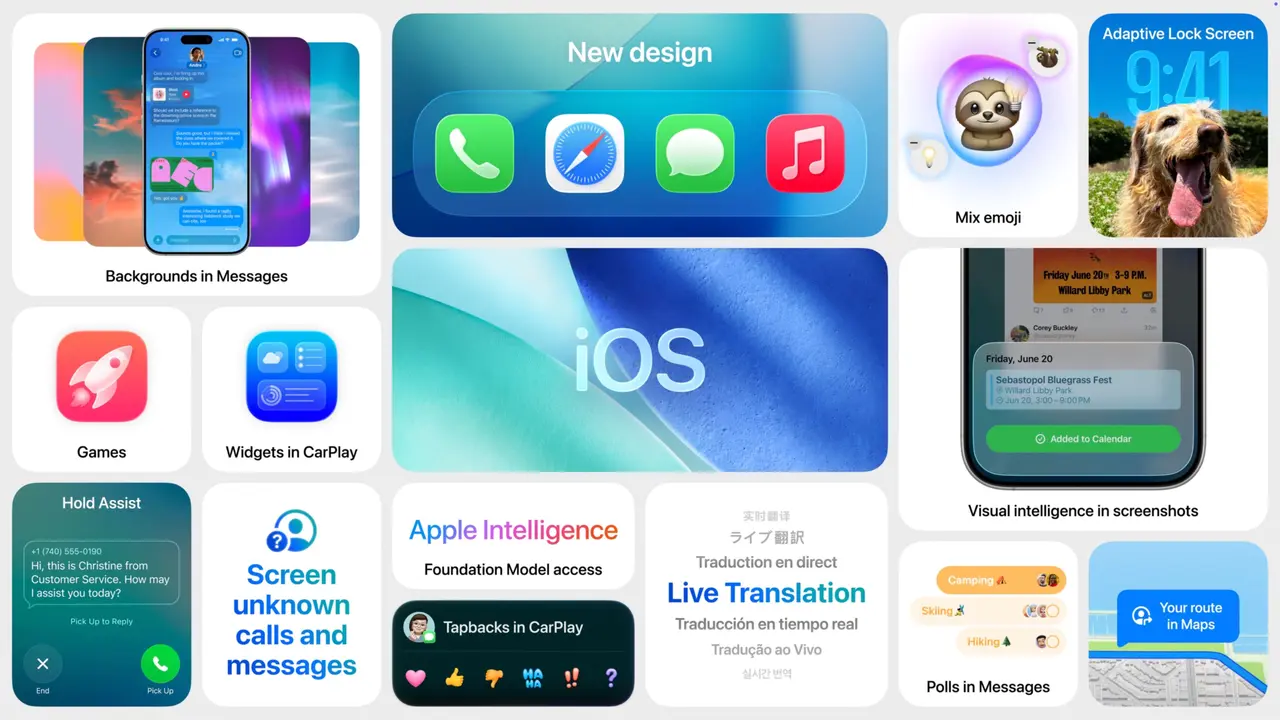
Apple hasn’t announced a date, but the pattern is clear: iOS 26.1 is tracking for late October to early November, following multiple developer and public betas and a likely release candidate just before rollout. Historically, Apple’s x.1 updates land in the last week of October or the first half of November, tying up post‑launch bugs from the major September release and turning on a handful of promised features.
What to expect on timing
- Late October window: Apple often ships x.1 on a Monday or mid‑week once the RC build goes out to testers; if it slips, the first half of November is the next realistic slot.
- Staggered availability: As usual, the update will go live globally within hours, but features may be staggered by device or region depending on server‑side toggles and regulatory clearances.
- Compatibility: iOS 26 devices (iPhone 11 and newer, plus recent SE models) should see the update simultaneously. Some feature additions may remain limited to newer chips.
Likely features and fixes
- Liquid Glass controls: A new Clear/Tinted toggle to adjust transparency and readability across the revamped UI.
- Alarm and timer changes: A “slide to stop” gesture to reduce accidental dismissals, plus minor Clock refinements.
- Lock Screen camera toggle: Option to disable swipe‑left camera access to avoid pocket launches.
- Apple Intelligence expansions: More languages/regions and subtle interface tidy‑ups; premium AI features may remain limited to the latest models.
- Quality‑of‑life tweaks: Small Safari, Photos, Settings and Phone UI polish; performance and battery stability gains typical of x.1 releases; security patches bundled at launch.
How to prepare
- Back up first: Use iCloud or Finder to capture a full backup before updating.
- Free up space: Keep at least 8–10 GB free for a smooth install.
- Update key apps: Ensure banking, payments and work apps are current to avoid post‑update crashes.
- Hold if mission‑critical: If your iPhone is a work essential, wait 24–48 hours to confirm no day‑one issues surface.