
Reliance Jio Launches JioPC, Its First Cloud-Based PC For ₹400 A Month
Reliance Jio has launched a cloud-based desktop platform, available to all existing and new customers of JioFiber and Jio AirFiber connections.
- Tech News
- 2 min read

;'%3e%3cpath%20d='m8,15.99c4.41,0,7.99-3.58,7.99-7.99S12.41,0,8,0,0,3.59,0,8s3.58,7.99,7.99,7.99Z'%20style='stroke:%23fff;%20stroke-miterlimit:10;%20stroke-width:.02px;'/%3e%3cpath%20d='m3.08,3.37l3.82,5.11-3.84,4.15h.87l3.37-3.64,2.72,3.64h2.94l-4.04-5.39,3.58-3.87h-.86l-3.1,3.35-2.5-3.35h-2.94Zm1.27.64h1.35l5.97,7.99h-1.35l-5.97-7.99Z'%20style='fill:%23fff;'/%3e%3c/g%3e%3c/svg%3e)


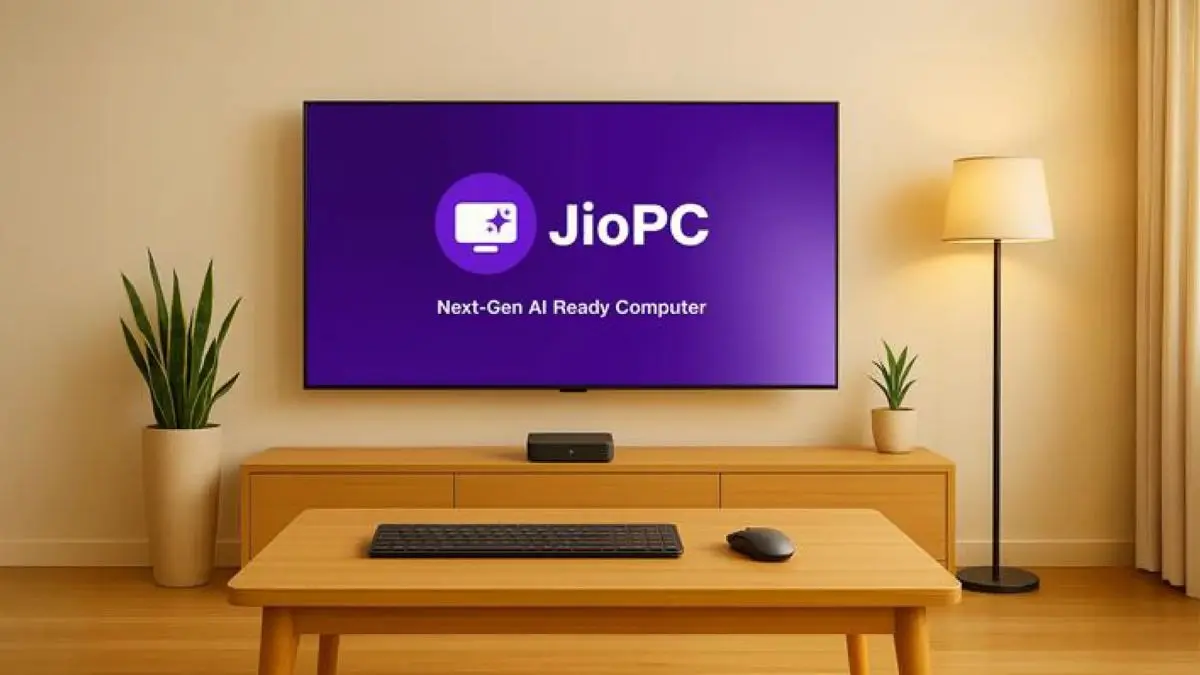
Reliance Jio has announced JioPC, its first cloud-based desktop platform featuring AI features without requiring high-end hardware. This is not a physical PC, but a virtual platform available for any screen through a pay-as-you-go model. For a monthly ₹400, you get access to an AI-loaded PC, network-level protection from viruses and malware, and 512GB of cloud storage.
JioPC requires a few things to run: a Jio set-top box, a display or monitor that can connect to the set-top box using an HDMI cable, a keyboard, and a mouse. Since Jio’s set-top box is available only to JioFiber and Jio AirFiber customers, JioPC will be exclusive to the existing and new customers of these connections. According to Reliance Jio, this is a one-size-fits-all hardware setup that does not require a huge investment, but the offers performance and features of a PC “worth at least ₹50,000.”
The plug-and-play setup can turn a display, monitor, or even a TV into a PC, giving you access to the company’s operating system that supports applications such as Jio Workspace, Microsoft Office and Adobe Express. Jio claims its cloud-based desktop platform “includes access to all key AI tools as well as popular applications.” The monthly plan also includes subscriptions to premium versions of some of these apps and tools. You can store the apps and data in 512GB of cloud storage.
Reliance Jio touts its JioPC platform offers on-demand computing that can be upgraded anytime, making it suitable for people who cannot invest a lot in a high-end PC setup. The monthly plans start at ₹400 with a free one-month trial for all users.
Advertisement
How to Set Up JioPC
1. Turn on your Jio Set-Top Box and go to the Apps section
2. Launch the JioPC app and click ‘Get Started’
Advertisement
3. Plug in your keyboard and mouse
4. Sign in using your linked contact number, or enter details to register
5. Log in and start using your JioPC