
WhatsApp Backups Become More Secure With New Passkey-Based End-to-End Encryption: What It Means
Passkeys use your device’s fingerprint, face, or screen lock code to encrypt your chat backup, so a quick tap or glance at your device's front camera is enough to secure and later unlock your backup when needed.
- Tech News
- 2 min read

;'%3e%3cpath%20d='m8,15.99c4.41,0,7.99-3.58,7.99-7.99S12.41,0,8,0,0,3.59,0,8s3.58,7.99,7.99,7.99Z'%20style='stroke:%23fff;%20stroke-miterlimit:10;%20stroke-width:.02px;'/%3e%3cpath%20d='m3.08,3.37l3.82,5.11-3.84,4.15h.87l3.37-3.64,2.72,3.64h2.94l-4.04-5.39,3.58-3.87h-.86l-3.1,3.35-2.5-3.35h-2.94Zm1.27.64h1.35l5.97,7.99h-1.35l-5.97-7.99Z'%20style='fill:%23fff;'/%3e%3c/g%3e%3c/svg%3e)


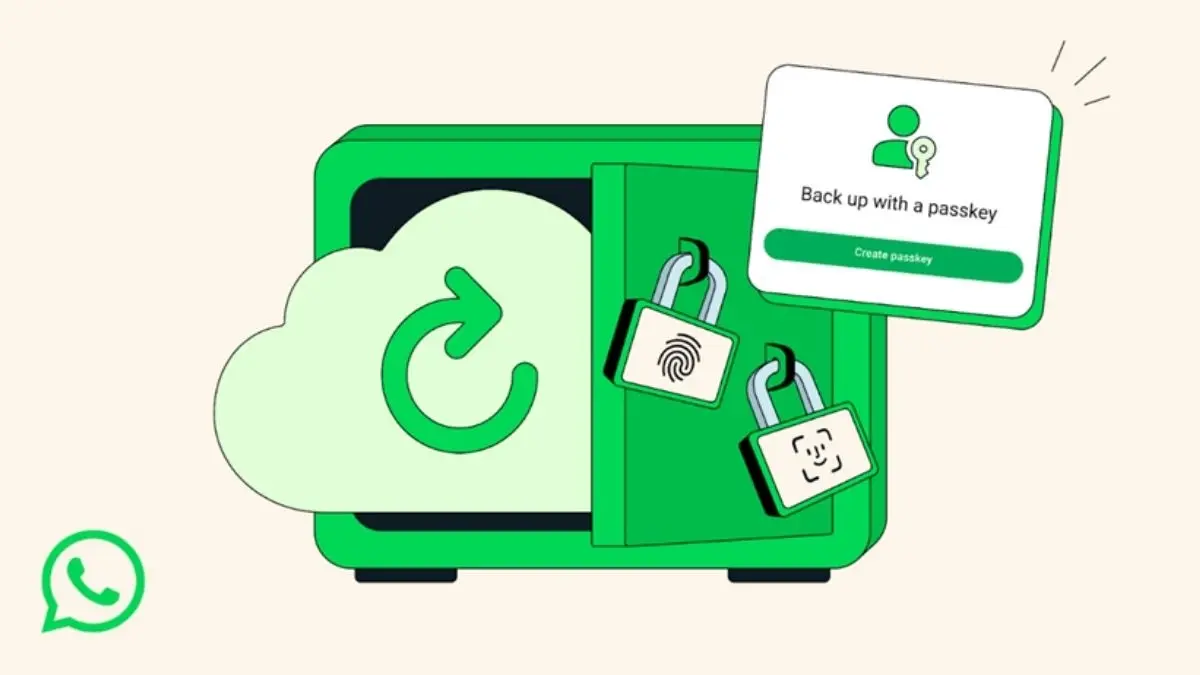
WhatsApp is adding passkey-based end-to-end encryption for chat backups, letting you protect your backup with your fingerprint, face, or screen lock alongside a password or long recovery key. The Meta-owned company said the feature will roll out gradually over the coming weeks and months, bringing simpler, stronger backup protection to more users without changing how you chat every day.
What changed
WhatsApp was the first private messaging app to offer end-to-end encryption for chat backups, so your old messages could stay protected across devices and over time. Now it’s making that protection easier to set up by introducing “passkey‑encrypted backups,” removing the need to memorise a password or manage a 64‑digit key.
How passkeys work
Passkeys use your device’s fingerprint, face, or screen lock code to encrypt your chat backup, so a quick tap or glance at your device's front camera is enough to secure and later unlock your backup when needed. The same security that protects your personal chats and calls on WhatsApp now applies to your backups, keeping them safe, accessible, and private.
How to turn it on
When the feature reaches your account, go to Settings > Chats > Chat backup > End‑to‑end encrypted backup and follow the prompts to enable passkey‑encrypted backups in a few taps. Once enabled, your backup encryption is tied to your device authentication, so you no longer have to store or recall a complex backup password or 64‑digit key.
Advertisement
Rollout timing
Passkey‑encrypted backups are rolling out gradually, so availability will expand over the coming weeks and months as WhatsApp turns it on for more users. If you don’t see the option yet, check back later in the same settings path as the rollout continues.
Why it matters
Backups often contain years of photos, voice notes, and meaningful conversations, so protecting them during loss, repair, or device transfers is critical. By replacing passwords with passkeys, WhatsApp makes strong backup encryption far easier for everyone, reducing the chance of lockouts or weak credentials while keeping backups safe and private.