
Updated 6 August 2021 at 07:03 IST
Warzone not showing Friends Online; Here's how to fix this Warzone Call of Duty Error
Warzone not showing friends online is an error that many players have been distressed about. Check out how to fix friends list not showing in Warzone error.
- Tech News
- 3 min read

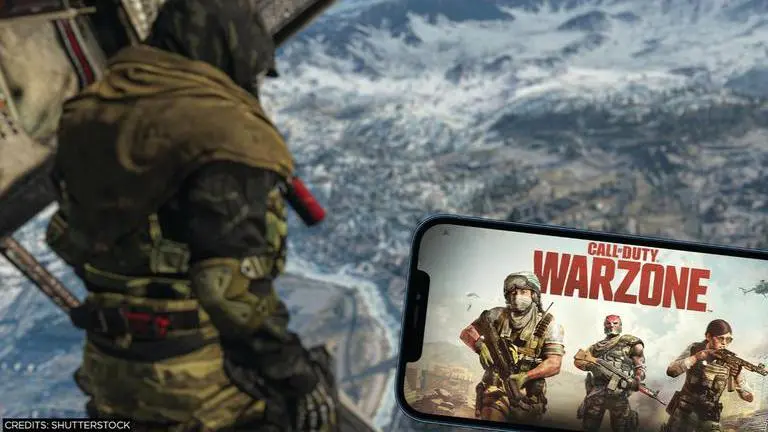
Warzone players have been facing an issue that has been hindering their gaming experience. This is a recurring issue that many players have faced throughout their Warzone gaming experience. Warzone not showing Friends Online is a recurring issue that many players have been annoyed about. Warzone not showing friends online can be solved by certain troubleshooting methods.
Warzone Friends List not working issue
Many players have become tired of facing the same bug time and again. Many players load up the game, all set to wreak havoc in Verdaqnsk with their friends and realise that Warzone friends list is not working. This issue hampers the gaming experience for many players as they wish to experience the game with their squad. Warzone friends list not working error, completely removes all the existing friends from the player's list, making it impossible to squad up with them. Developers haven't been able to provide a reason for this persisting issue, many believe that this issue comes into play when a new update arrives. Another reason could be that the server gets overloaded by a massive influx of new and returning players. This persisting bug seems to resolve itself but is a time-consuming process.
How to fix friends list not showing in Warzone Call of Duty?
Waiting for the Warzone no friends online to resolve itself is a time-consuming and painstaking process. Many players do not have the time to wait for the game to start working again. There are certain troubleshooting ways that players can try out to fix the Warzone friends offline issue. Check out how to fix friends list not showing in Warzone Call of Duty below:
Restart the Application:
- Restarting Warzone should be the first choice for the players. This method helps refresh the application and also helps reconnect to a new server, which can sometimes fix the issue.
Restart the System:
- When restarting the application does not work, the players can try restarting the platform they are on, this method also helps the pending updates to be added properly.
Send a Friend Request:
- When the Warzone no friends online error occurs, the players are not able to connect with any of their existing friends, but they can send requests to new people. Players should try this method out as it sometimes helps kickstart the resolving process.
Enable and Disable Crossplay:
- Apparently, the players can also try enabling and disabling the crossplay feature of the game. This method helps the players switch servers and also fix the issue.
Published By : Sanchay Saksena
Published On: 6 August 2021 at 07:03 IST