
Updated 10 May 2023 at 12:20 IST
CGBSE Results 2023 Out; Here's how to check Chhattisgarh Board mark sheet on Digilocker
CGBSE Result 2023: Chhattisgarh Board of Secondary Education has announced the CGBSE 10th and 12th Result 2023 today. Here's how to check result on Digilocker.
- Education News
- 2 min read
Follow :

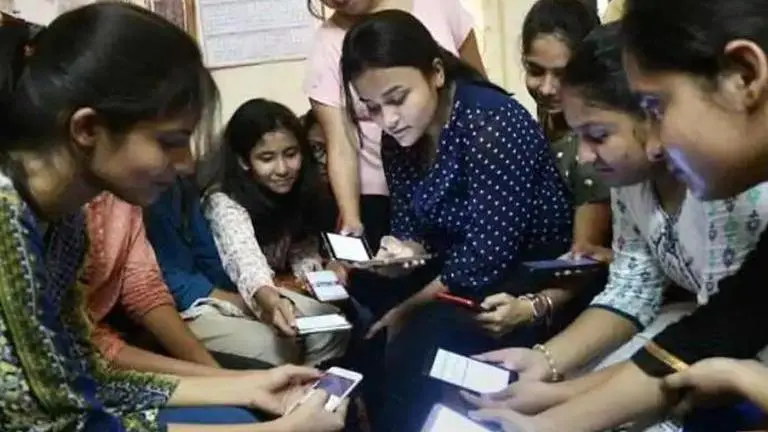
Image: PTI | Image:
self
CGBSE Result 2023: Chhattisgarh Board of Secondary Education has announced the CGBSE 10th and 12th Result 2023 today. The CGBSE class 10th and class 12th results were scheduled to be announced at 12 noon on May 10. The results were declared by the state education minister.
CGBSE Results will be uploaded on the official website- cgbse.nic.in. However, soon after the result is out, the official website crashes due to heavy traffic of users. In that case, students can obtain their CGBSE 10th, 12th Results on alternative platforms. Read on to know how to get the results online.
CGBSE result 2023: Here is how to check on Digilocker
- Step 1: Visit digilocker.gov.in or open the DigiLocker app on your phone or laptop
- Step 2: On the search bar, type ‘Chhattisgarh’
- Step 3: Now, look for the class X OR XII mark sheet option and click on it
- Step 4: Enter your roll number and required credentials.
- Step 5: Your CGBSE results 2023 will be displayed on the screen.
CGBSE 10th, 12th result 2023: Steps to check results on official website
- Step 1: Candidates who took the exam should go to the official website - cgbse.nic.in
- Step 2: On the homepage, they should look for 'Students Corner'
- Step 3: Click on the 'Exam Results 2023' tab
- Step 4: A drop-down list will be displayed on screen. For class 10 or 12th results, click on 'High School or Intermediate Result 2023'
- Step 5: Candidates will be redirected to another page where they will have to key in their roll number and captcha and submit
- Step 6: After submitting, the CGBSE results will be displayed on the screen
- Step 7: Check the same, download it, and take its printout for future reference
How to check CGBSE Result on mobile phone
- Step 1:Open a browser on your smartphone. On the address bar type the official website cgbse.nic.in
- Step 2: On the homepage, look for the latest update and click on the result link
- Step 3: Now, in the next step, candidates will have to enter the required details such as roll number and date of birth.
- Step 4: After clicking on submit, the result will appear on the screen.
- Step 5: Take a screenshot of the scorecard and take its printout.
Published By : Nandini Verma
Published On: 10 May 2023 at 12:20 IST