
Step-By-Step Guide To Complete LPG Gas Cylinder KYC Online For Indane, HP Gas, Bharat Gas Users
Here’s a complete step-by-step guide to finish LPG gas cylinder KYC online for Indane, HP Gas and Bharat Gas customers. Learn the required documents, process and tips to avoid service disruptions.
- India News
- 2 min read

;'%3e%3cpath%20d='m8,15.99c4.41,0,7.99-3.58,7.99-7.99S12.41,0,8,0,0,3.59,0,8s3.58,7.99,7.99,7.99Z'%20style='stroke:%23fff;%20stroke-miterlimit:10;%20stroke-width:.02px;'/%3e%3cpath%20d='m3.08,3.37l3.82,5.11-3.84,4.15h.87l3.37-3.64,2.72,3.64h2.94l-4.04-5.39,3.58-3.87h-.86l-3.1,3.35-2.5-3.35h-2.94Zm1.27.64h1.35l5.97,7.99h-1.35l-5.97-7.99Z'%20style='fill:%23fff;'/%3e%3c/g%3e%3c/svg%3e)


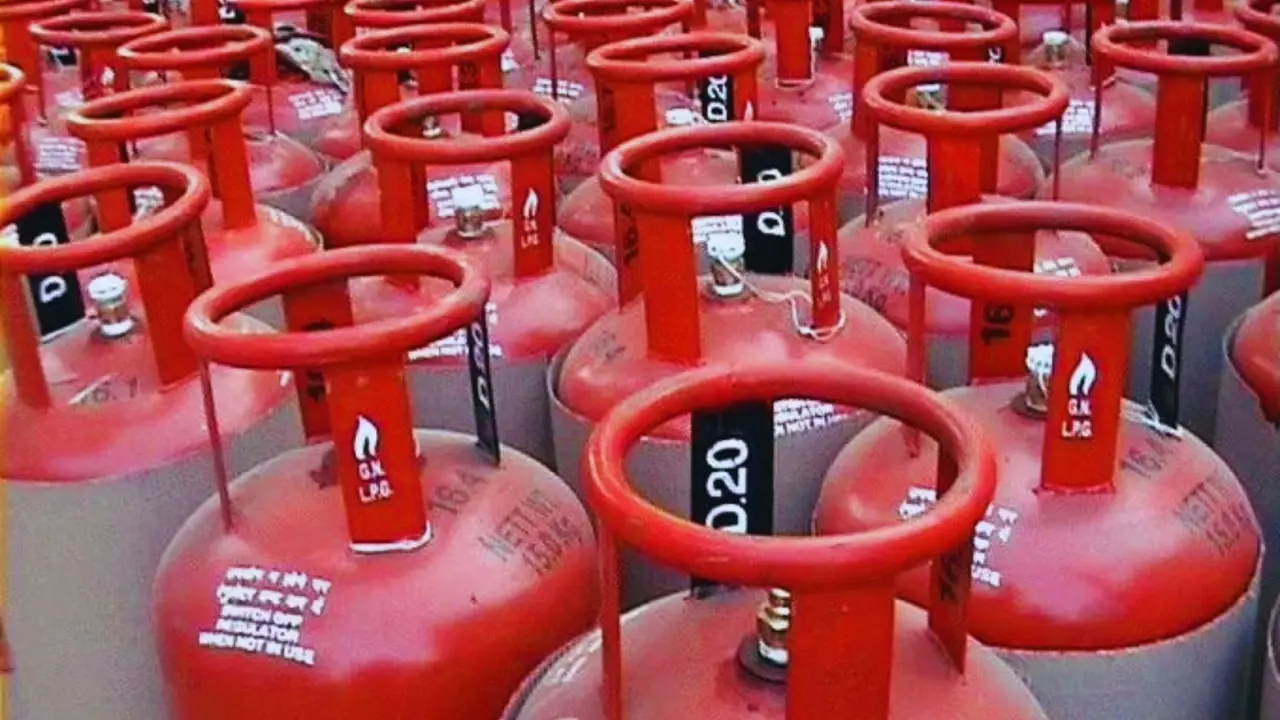
New Delhi: The Ministry of Petroleum and Natural Gas has reinforced the requirement for biometric Aadhaar authentication (e-KYC) for LPG consumers.
While the directive primarily targets unauthenticated users, the government has made the process remarkably simple to complete from home using a smartphone.
If you haven't updated your KYC yet, follow this comprehensive guide to ensure your gas supply and subsidies remain uninterrupted.
Phase 1: Preparation and Prerequisites
1. Before starting, ensure you have a stable internet connection and your Aadhaar card handy.
Advertisement
2. Your mobile number should be linked to your Aadhaar for seamless authentication.
3. You will need two specific applications from the Google Play Store or Apple App Store: Either IndianOil ONE (Indane), Hello BPCL (Bharat Gas), or HP PAY (HP Gas).
Advertisement
4. This is a mandatory support app developed by UIDAI to enable face-scanning technology on your smartphone.
Phase 2: The Step-by-Step Online Process
Once the apps are installed, follow these steps to complete the verification:
1. Open your gas provider’s app and log in using your registered mobile number or LPG Consumer ID.
2. On the home dashboard, look for a tab or icon labelled "Aadhaar e-KYC" or "Link Aadhaar."
3. The app will prompt you to provide consent for Aadhaar-based authentication. Click "Agree" or "Proceed."
4. The app will automatically trigger the Aadhaar FaceRD interface. Position your face within the on-screen frame.
5. Ensure you are in a well-lit area and follow the instructions (like blinking or keeping your head still).
6. Once the scan is successful, your biometric data is matched with the UIDAI database. Click the Submit button to finalise the request.
Important Timeline and Status Check
After submission, verification typically takes 24 to 48 hours and is approved by the Oil Marketing Company (OMC).
You can check the status by navigating to the "Profile" section of the app; it should display "KYC Verified" or "Status: Approved".
Note for PMUY Users:
Beneficiaries of the Pradhan Mantri Ujjwala Yojana (PMUY) are required to update their KYC yearly to continue receiving targeted DBT subsidies.
Why is this mandatory?
The government clarified that this is not a fresh direction but an ongoing effort to curb the black-marketing of cylinders and ensure that subsidies reach only genuine households.
Consumers with Piped Natural Gas (PNG) connections are now barred from holding subsidised LPG connections, and this KYC process helps identify such overlaps.
Get Current Updates on India News, Entertainment News, Cricket News along with Latest News and Web Stories from India and around the world.