
WatchOS 7 issues plague the update's launch; Know about the fixes
WatchOS 7 is released with its own set of issues and complaints by the users. Find a list of all possible fixes for WatchOS 7 issues here.
- Tech News
- 4 min read

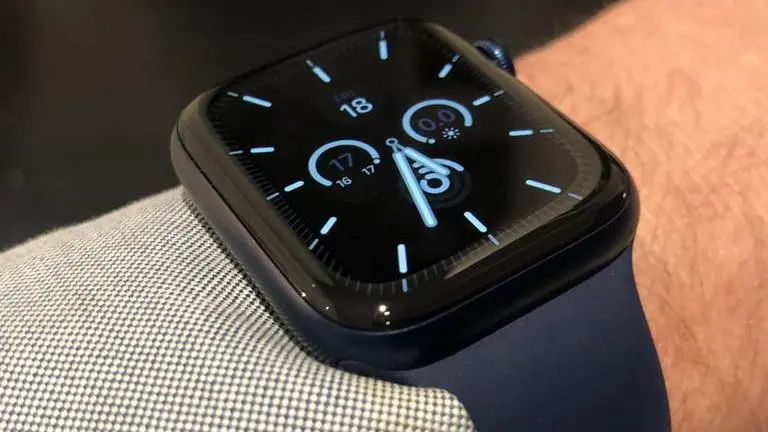
WatchOS 7 was unveiled on Apple’s Time Flies event along with the Apple Watch Series 6 and the Apple Watch SE. The update hasn’t had the most stable journey coming into the world of the Apple Watches. This is common for most software updates, be it iOS or iPad OS, or even Android software updates for that matter -- the first title update has a huge amount of bugs. These updates then go through a series of version updates until it is perfected. WatchOS 7 has its own set of issues that are causing hindrance in day-to-day use.
WatchOS 7 issues
WatchOS 7 was accepted at launch widely. Many users downloaded the update to be on the latest software version of the Apple Watch. Here lies the first issue -- Apple WatchOS Compatibility. The WatchOS 7 is only compatible with iPhone 6S or higher, running iOS 14 or higher.
WatchOS 7 is compatible with Apple Watch Series 3, Series 4, and Series 5. Every iPhone below the 6S has been dropped from the update as they do not support iOS 14. Apple Watch Series 1 and Series 2 also won't be witnessing the update. Here is a list of WatchOS 7 issues:
Advertisement
- Battery Drain
- Connectivity issues
- Installation issues
- Watch Faces missing
- WatchOS 7 Crashing and bugs
- Performance output decreasing after update
How to fix WatchOS 7 issues?
WatchOS 7 can have its issues which can cause irritation amongst users. Here’s a list of possible fixes to issues pertaining to the WatchOS 7 update:
Battery Drain:
- Users have observed that the battery drain has increased since the update. The Apple Watch battery depletes at a faster rate for the users that have updated to WatchOS 7. Users can head over to the Apple Watch application in their iPhones and unpair and pair the watch again to try and fix the issue. It is also speculated that the new sleep tracking feature could be the reason for the added battery drain.
Connectivity issues:
- The update also causes connection issues that a user is not used to facing. WatchOS 7 can cause connectivity issues within the watch wherein the watch does not connect to Bluetooth or WiFi, etc. Here the user can swipe up from the bottom of the Apple Watch to open the control center and trigger the connection controls for WiFi, Bluetooth, LTE, etc.
Installation issues:
- WatchOS 7 also has issues in installation. The Apple Watches are failing to install the WatchOS 7. This issue might need some troubleshooting from the users as there are a number of reasons causing the issue. Firstly they would need their iPhones ready with iOS 14 installed. They would need to keep the Apple Watch over 50% of battery and a stable and fast internet connection as it is a heavy update. Sometime betas can also cause issues and it is advisable to delete all the beta profiles before beginning the installation.
Watch Faces Missing:
- Apple has treated the Apple Watch users with new watch faces in the WatchOS 7 update. Individuals are finding it tricky to discover these new watch faces that have been added to the latest update. Here’s how you can fix this:
- Press and hold on the watch face
- Scroll to the extreme right
- Tap on New ‘+’
- Now scroll with digital crown and find all the new watch faces
WatchOS 7 crashing and bugs:
- Other than having specific issues like battery drain, etc. the WatchOS 7 also has underlying issues that can cause it to crash while in use or the user can face a lot of errors. There's a way you can fix this and that is restarting your iPhone and Apple Watch.
Performance output decrease:
- After the WatchOS 7 update, some users experienced a slower Apple Watch than before. The update made the performance output lesser for the Apple Watch. Users can do a hard reset on the Apple Watch by holding the digital crown and side button simultaneously for ten seconds until they see the Apple logo to fix the issue or they can try unpairing and pairing the watch again from the Apple Watch application.