
CBSE 12th compartment result 2020: Here's how to download score card via DigiLocker app
Students can also check their results on the government's DigiLocker app, which is a safe & secure portal to keep all official documents such as driving licence
- Education News
- 2 min read

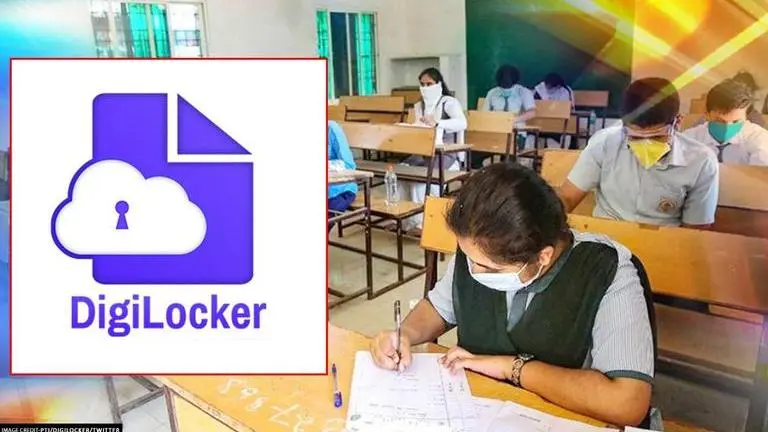
The Central Board of Secondary Education (CBSE) declared the compartment results of Class XII students today on its official website cbse.nic.in. Students can also check their results on the government's DigiLocker app, which is a safe and secure portal to keep all official documents such as results, driving license, Aadhar card, pan card, passport, etc.
Here's how students can download their results via DigiLocker website or app
Step 1. Visit the official website of DigiLocker at digilocker.gov.in
Step 2. Click on the link 'CBSE Class XII compartment examination 2020 students, to get your result Click Here'
Step 3. Enter your log-in credentials (Roll number and Admit Card ID)
Step 4. Class XII compartment examination result will appear on the screen
Step 5. Download or take out a hard copy for future references
Advertisement
The Class XII compartment examinations were held between September 22 to 29 after it was postponed due to COVID-19 induced lockdown. Around 90,000 students across the country appeared for the examinations. Students were asked to follow strict social distancing rules while appearing for the exams. On the day of the exam, no students were allowed without a mask.
Advertisement
The compartment examination was marred by controversies after students unsuccessfully contested against conducting of the exams by the Central Board in the Supreme Court, which ruled in favour of CBSE. Lawyers of students argued the COVID-19 transmission risk surrounding the examination and also said that even if they appear for the exams they won't be able to get admissions into colleges this year because most of the universities by then would be done with their admission process. The apex court directed CBSE and UGC to coordinate in order to accommodate the students in the upcoming session.