
Updated 17 July 2020 at 14:16 IST
Valorant error 31: What causes the error code and how to fix it?
Valorant error 31 is among the many error codes that gamers have been encountering since the game released on beta. Find out how you can fix the error code.
- Tech News
- 2 min read

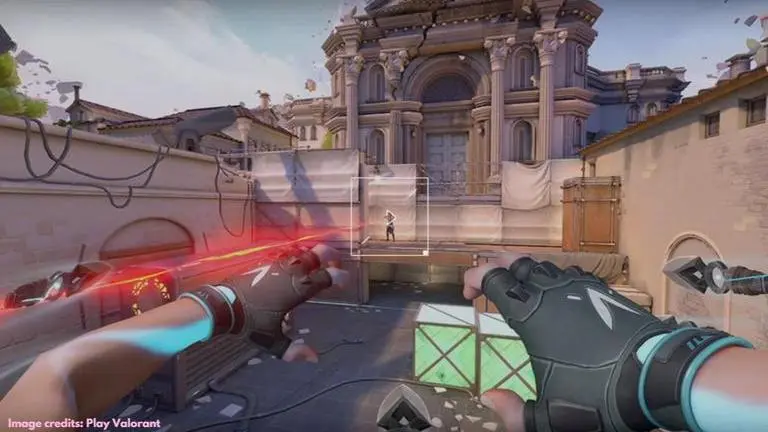
Valorant is a widely popular first-person shooter game from Riot Games. It has been out for over a month now and has become one of the most talked-about titles in the FPS category. However, like most other popular games, Valorant has been dealing with a number of bugs and exploits. Many players have been encountering some mysterious error message blocking access when trying to log into the game or during play sessions. One of them is the Valorant error 31, that has plagued the tactical shooter game ever since it was released in beta. So, if you are one of the users who have been encountering the Valorant error 31, let us understand what the error code means and how you can fix it.
What causes Valorant error 31?
Players get this error code when the game fails to get the player name information. The error code flashes on the screen after launching the game, however, it can be easily fixed.
Advertisement
How to fix Valorant error 31
Solution 1: Restart the Client
Developers at Valorant have stated that the Valorant error code 31 is actually an issue with the client, and the easiest way to fix it is by simply restarting it. Restarting the client is a viable solution to most of the errors.
Advertisement
Solution 2: Uninstall Riot Vanguard
If restarting the client doesn't seem to fix the issue, you can try uninstalling the Riot Vanguard via tray icon. To do so, you need to go to the Control Panel on your computer and click on 'Program and features'. Right-click on 'Riot Vanguard' and hit 'Uninstall' to remove it. Now, you need to restart your system and relaunch the Valorant client which will automatically reinstall the Riot Vanguard. Again restart the system and launch Valorant. Log in and the Valorant error code 31 should be gone.
Solution 3: Contact Support
This is your final resort if the error code continues to persist after trying the above solutions. All the error messages are issues from the developers’ end and you can always contact Valorant support if you are unable to resolve an error.
Image credits: Play Valorant
Published By : Danish Ansari
Published On: 17 July 2020 at 14:16 IST