
DOOM Eternal keeps crashing on startup and the final level - Possible fixes
As per numerous user reports, DOOM Eternal keeps crashing on startup and the final mission of the game. Continue reading to know the possible fixes to the issue
- Tech News
- 3 min read

;'%3e%3cpath%20d='m8,15.99c4.41,0,7.99-3.58,7.99-7.99S12.41,0,8,0,0,3.59,0,8s3.58,7.99,7.99,7.99Z'%20style='stroke:%23fff;%20stroke-miterlimit:10;%20stroke-width:.02px;'/%3e%3cpath%20d='m3.08,3.37l3.82,5.11-3.84,4.15h.87l3.37-3.64,2.72,3.64h2.94l-4.04-5.39,3.58-3.87h-.86l-3.1,3.35-2.5-3.35h-2.94Zm1.27.64h1.35l5.97,7.99h-1.35l-5.97-7.99Z'%20style='fill:%23fff;'/%3e%3c/g%3e%3c/svg%3e)


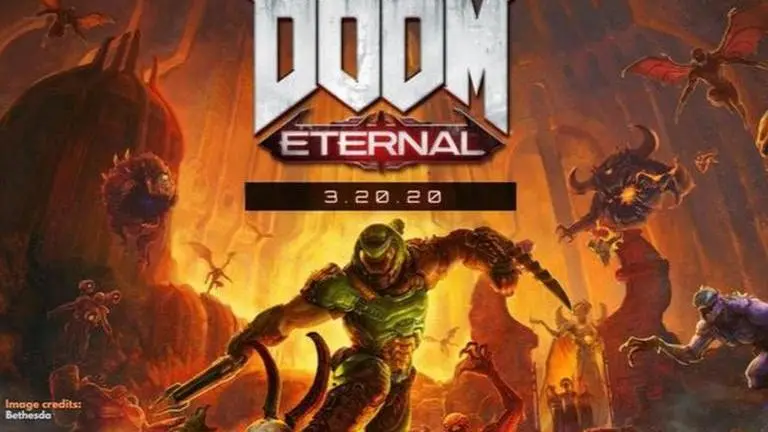
DOOM Eternal was officially released on PC last week. And as it usually goes with most new video game releases, the game comes with a number of issues. One of the major issues that users have reported is that the game keeps on crashing during startup. This usually happens when you boot up DOOM Eternal and it immediately crashes back to the desktop screen. There are also a number of users who have mentioned crashes during the final mission of the campaign.
DOOM Eternal keeps crashing
Anyone having Doom Eternal just crash to desktop on them?
— Drew McCoy (@DKo5) March 20, 2020
Thought maybe it was my GPU overheating, but its barely hitting 80C - and hasn't been a problem before
Ah well, I get a good 45 minutes between crashes. Here I go killing again!
Here’s an example of what’s going on when I try to play #DOOMEternal. I cannot advance past this cutscene. If I try to skip it, the game still crashes. pic.twitter.com/9S5XwAQXhJ
— OGJunkyard (@OGJunkyard) March 20, 2020
DOOM Eternal crashing on the final level
I discovered this morning that Doom Eternal's final level is actually so overwhelming, that the game crashes when trying to load it. I can only assume this is to keep immersion and that I need a new GPU to even experience the final level. Truly amazing design.
— Blue-Eyes White Dragon (@DarkstarDestiny) March 21, 2020
doom eternal now crashes upon trying to continue the last mission of the campaign
— Menshir (@Menshnir) March 24, 2020
shit game til the end I see
Here are the possible fixes
Here are some possible solutions that you may try out to fix the constant crashes on PC -
Advertisement
Update Video Card drivers
Firstly, you need to check if you have the latest video card drivers for your Nvidia or AMD graphics card. For an Nvidia graphics card, you can go to the GeForce Experience control panel and update all the drivers. AMD users can do so by visiting the official AMD website and downloading the relevant video card driver for your graphics card.
You should also know that a number of AMD drivers with Windows 8.1 are not compatible with the game. However, you can fix the issue by ensuring that you are on AMD Driver version 19.10.1.
Advertisement
Use High settings
The game has been reported to experience crashes on certain PCs while using the Ultra, Nightmare, or Ultra-Nightmare graphics settings with specific Ryzen and RTX video cards. To help fix the issue, you will need to switch to high settings first to make sure your game runs smoothly.
Check your laptop specifications
DOOM Eternal has also been having issues working with a number of laptops. You can look up your laptop specifications to ensure that it meets the recommended specs to play the game.
Image credits: Bethesda